Configure MacOS SAbnzbd in this guide. We are going to configure SABnzbd to download from the newsgroups.
Open SABnzbd via Safari.
By default, this is with the address “http:/ip address-local:8080”
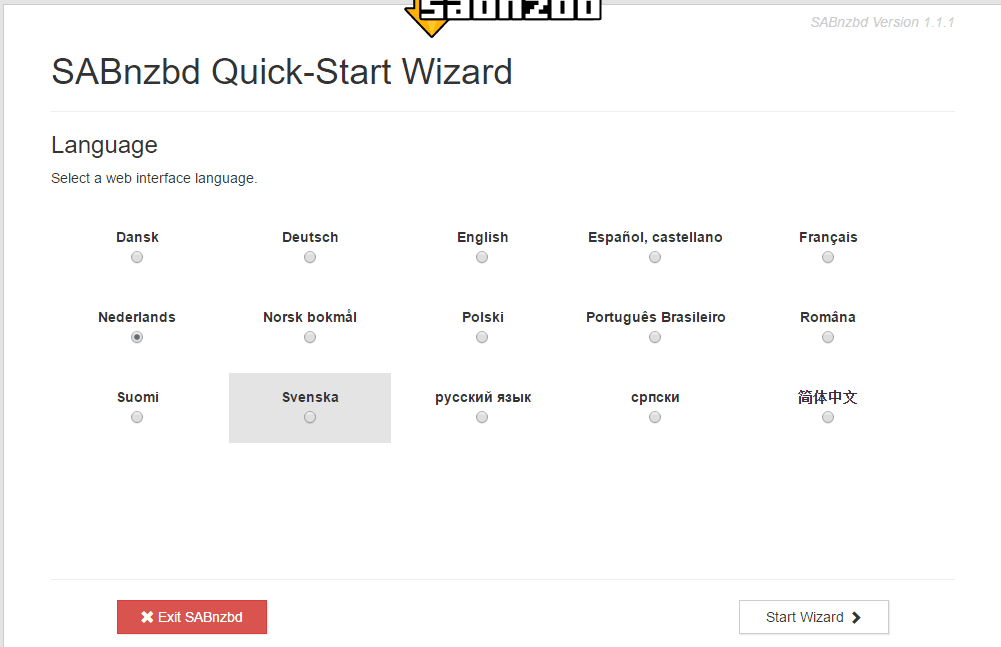
If it’s the first time you’ve started it. Then you get an SABnzbd installation wizard. To enter the basic data.
Select English. And click Start Wizard.
The following information should be filled in:
NewsServer
Username
Password
This information can often be found in the welcome email from your Usenet provider.
For a free Usenet provider see the Free Usenet page. But I highly recommend you, to take a paid Usenet provider.
Turn on the SSL check mark. This ensures that your device’s connection to your Usenet provider is secure.
Click now. Click to test the connection.
Click Next.
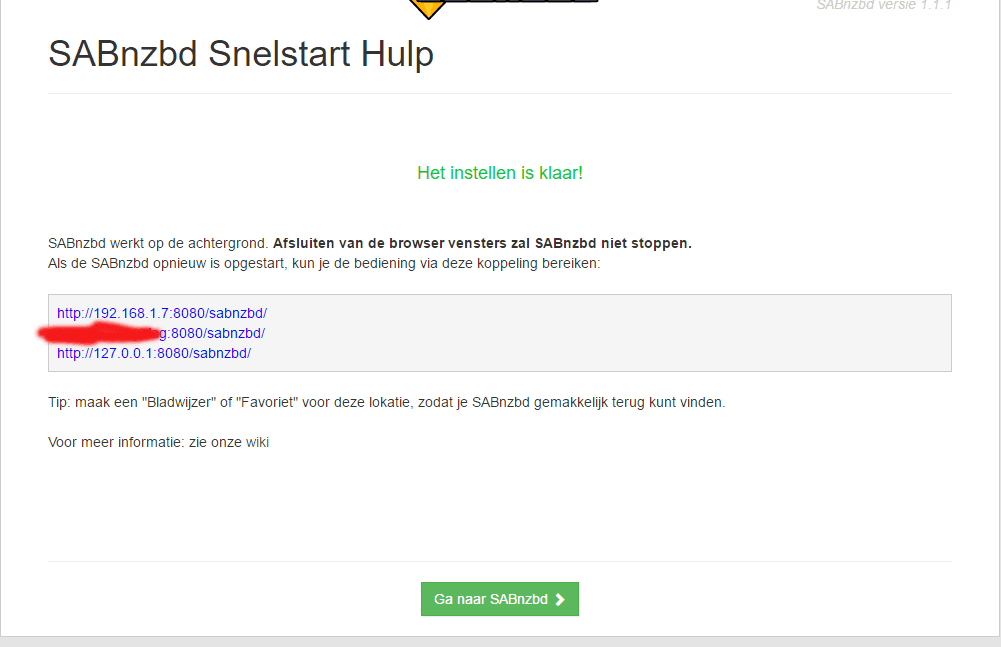
Click now. Go to SABnzbd.
SABnzbd is now being restarted.
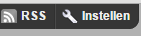
Go to Set Up.
We’re going to set this up. So that your hard disk does not fill up. With failed downloads.
We do this with a task. I do this once a week. You don’t want everything removed immediately either. So that if something goes wrong. Then you can find out what’s going wrong.
You do this under Task Planner.
I chose Saturday. Because there’s almost no TV series coming out.
If you turn this on, download SABnzbd another version of, for example, a movie or TV series. If it fails the first time. This work in combination with automatic download ing via, for example, CouchPotato or Sonarr.
This just works. If the following requirements are met, the following requirements will be met.
You turn this on in SABnzbd under Settings. And then Special. And then you have to turn on the next check mark new_nzb_on_failure (off)
This was the manual To configure MacOS SAbnzbd to download from the newsgroups. You can now download from the newsgroups. I recommend you to check out this website under the heading Download and then Download Automatically.
It may happen that a Usenet download does not come in completely. You try to…
House-of-Usenet.com is a popular German-language Usenet forum where members can find NZB files for downloading…
Usenet-4all.pw is a predominantly German-language Usenet forum focused on sharing and finding NZB files. Using…
Sky-of-Use is a German-language Usenet forum where users can find NZB files to download content…
PublicDomainTorrents is a website entirely dedicated to films in the public domain. This means that…
In this Anonynews Usenet review, we look at the key features, performance, and costs of…
Deze website gebruikt cookies.